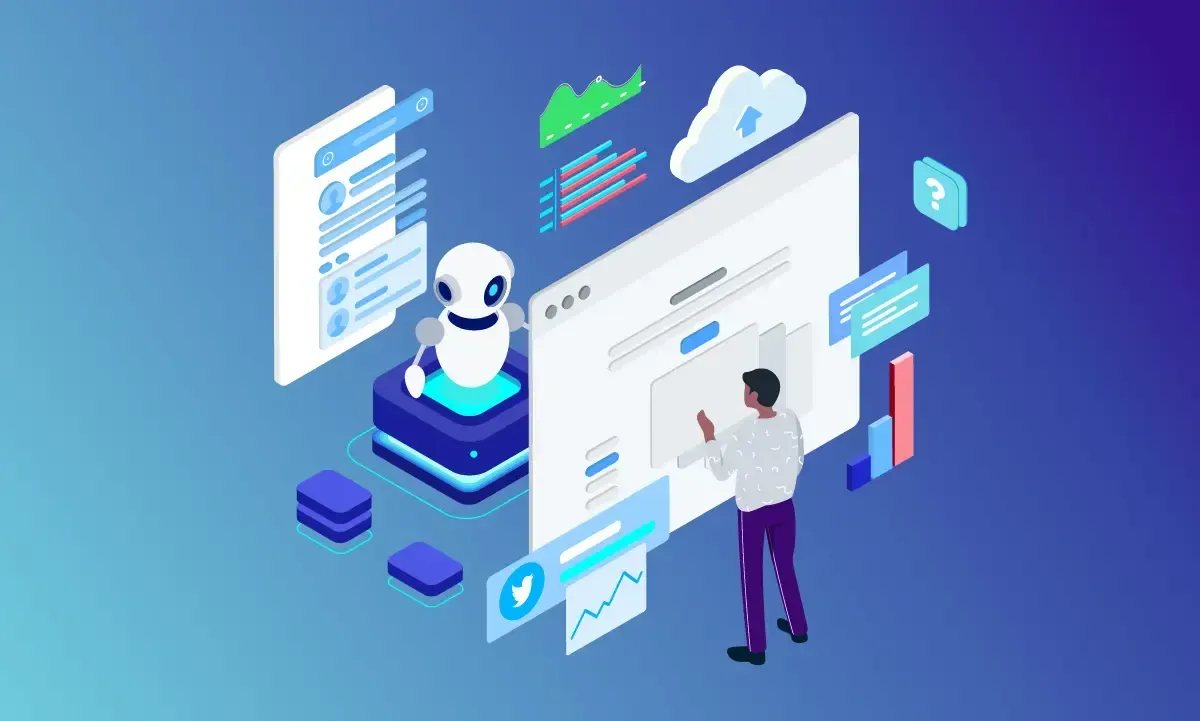
Leveraging IT Tools to Streamline Daily Business Operations
In today’s fast-moving business world, efficiency is key. Companies that can complete tasks faster and more accurately have a significant advantage. One way to achieve this is by using IT tools to streamline daily operations. From communication platforms to project management software, the right technology can transform how businesses operate.

What Does “Streamlining Operations” Mean?
Streamlining operations means making business processes simpler, faster, and more effective. It involves removing unnecessary steps, automating repetitive tasks, and improving communication. IT tools help businesses achieve these goals by providing digital solutions that reduce manual work and improve accuracy.
Key Benefits of Using IT Tools
Time Savings
Manual processes often take longer and are prone to errors. Tools like scheduling software, automated email systems, and inventory management programs save time by performing tasks automatically or more efficiently.Improved Accuracy
Errors can be costly, especially in tasks like financial reporting, inventory tracking, or customer data management. IT tools reduce mistakes by standardizing processes and providing real-time updates.Better Communication
Collaboration platforms, instant messaging apps, and video conferencing tools allow teams to communicate effectively, regardless of location. This ensures everyone stays on the same page, reducing misunderstandings and delays.Enhanced Decision-Making
Many IT tools provide analytics and reporting features. By leveraging data insights, managers can make smarter, faster decisions, improving overall business performance.Scalability
As businesses grow, manual processes can become overwhelming. IT tools scale with your business, allowing you to manage more tasks, clients, or products without significantly increasing workload.
Popular IT Tools for Daily Operations
Project Management Software
Platforms like Trello, Asana, or Monday.com help teams track progress, assign tasks, and meet deadlines. They provide visibility into project status and reduce confusion.Communication Tools
Apps like Slack, Microsoft Teams, or Zoom streamline team discussions, file sharing, and meetings. They replace long email threads with real-time conversations.Customer Relationship Management (CRM) Systems
CRMs like Salesforce, HubSpot, or Zoho store customer data, track interactions, and automate follow-ups. This improves customer service and strengthens relationships.Accounting and Finance Software
Programs like QuickBooks or Xero automate invoicing, payroll, and expense tracking. This reduces manual entry and ensures accurate financial records.Automation Tools
Automation platforms like Zapier or Microsoft Power Automate connect different apps to automate repetitive tasks. For example, automatically saving email attachments to cloud storage.Document Management Systems
Cloud-based tools like Google Workspace or Microsoft 365 organize documents, allow real-time collaboration, and ensure secure access.
Best Practices for Using IT Tools Effectively
Choose the Right Tools: Not every tool fits every business. Evaluate your specific needs before implementing a solution.
Train Your Team: Technology is only effective if employees know how to use it properly. Conduct regular training sessions.
Integrate Tools: Combine systems wherever possible to avoid silos. For example, connect your CRM with your email marketing platform.
Regularly Update Systems: Keep software updated to avoid security vulnerabilities and benefit from new features.
Monitor Performance: Track how tools are improving efficiency and adjust processes if needed.
Challenges to Consider
While IT tools offer many benefits, businesses may face challenges such as:
Learning Curve: Employees may need time to adapt to new systems.
Cost: Some tools require subscriptions or licenses. Evaluate ROI before investing.
Integration Issues: Not all tools work well together. Plan integrations carefully.
Data Security: Storing information digitally requires strong cybersecurity measures to protect sensitive data.
Conclusion
Leveraging IT tools is no longer optional; it’s a necessity for businesses that want to stay competitive. By streamlining daily operations, companies can save time, reduce errors, improve communication, and make better decisions. When implemented thoughtfully, these tools not only enhance efficiency but also empower employees and strengthen customer relationships.
Businesses that embrace technology smartly can focus more on growth and innovation rather than being bogged down by repetitive tasks. The right combination of IT tools, proper training, and continuous evaluation ensures operations run smoothly and prepares the business for future challenges.
